
Remove Watermarks from any Image with Just One Click. Zero Skills Required!
Forget about trying to fix it yourself. This tool clears out watermarks fast, without ruining your photo. You get a sharp, spotless image in seconds that is perfect for your posts, projects, or anything else on your list.

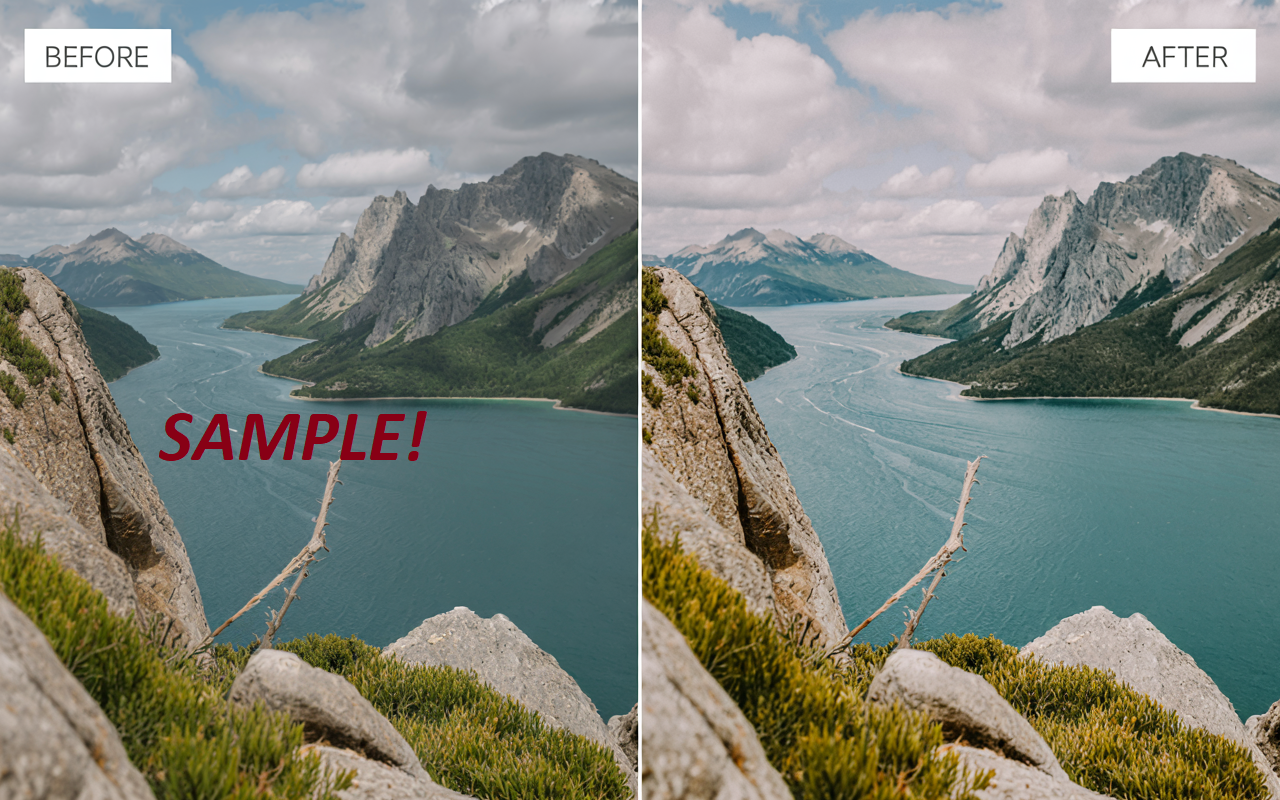
What Is a Watermark Remover?
A watermark remover is a tool that removes unwanted text, logos, or stamps from your images. AISEO’s Remove Watermark does it automatically using smart detection, so you don’t need editing skills. It works with all image types and delivers fast, clean results without the hassle of using complex photo editing software.
Amazing Features That Make Our Watermark Remover Stand Out
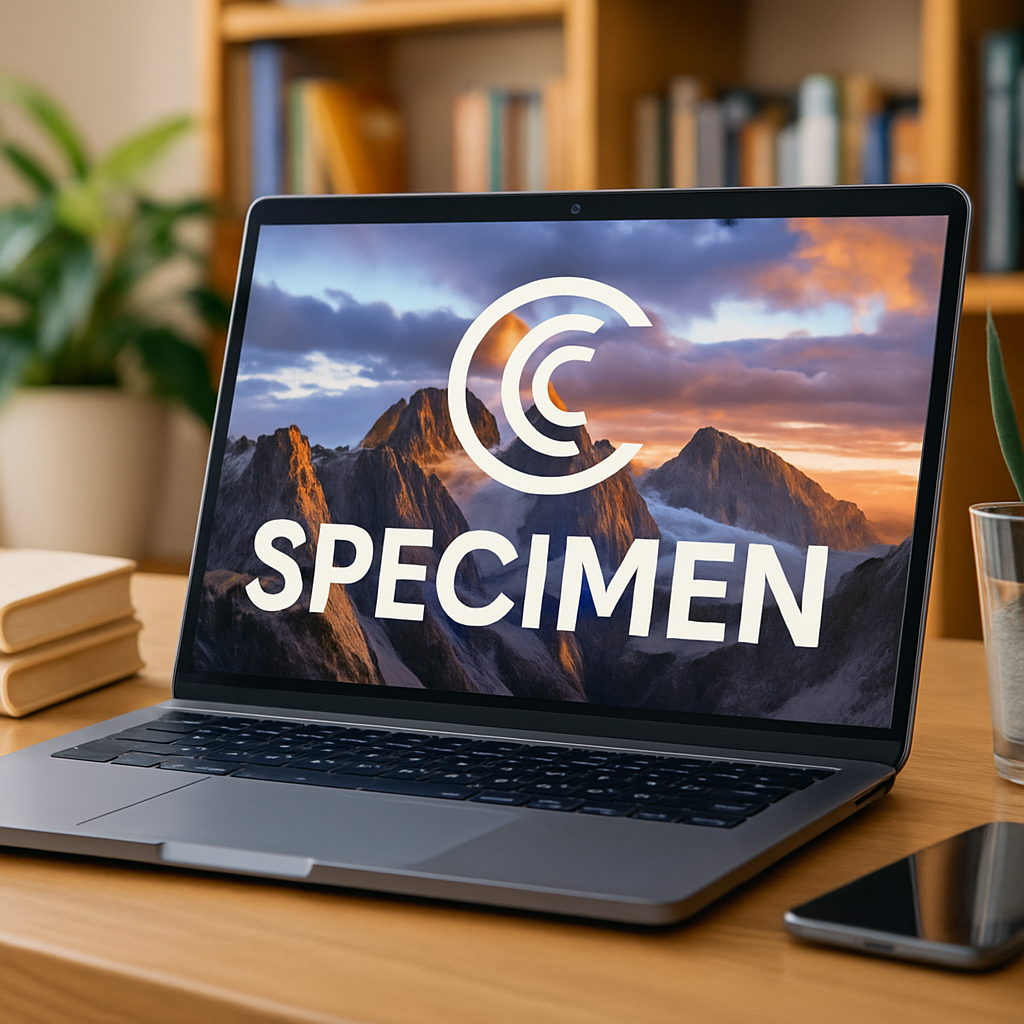
Auto Detection Tech
Spots watermarks instantly without needing you to highlight or select anything manually.

No Editing Skills Needed
Designed for everyday users. Just upload your image and let the tool do its thing.
Fast and Friction-Free
Removes watermarks in seconds so you can get back to work without waiting.

Preserves Image Quality
Only the watermark disappears. The rest of your image stays just as sharp and clear.
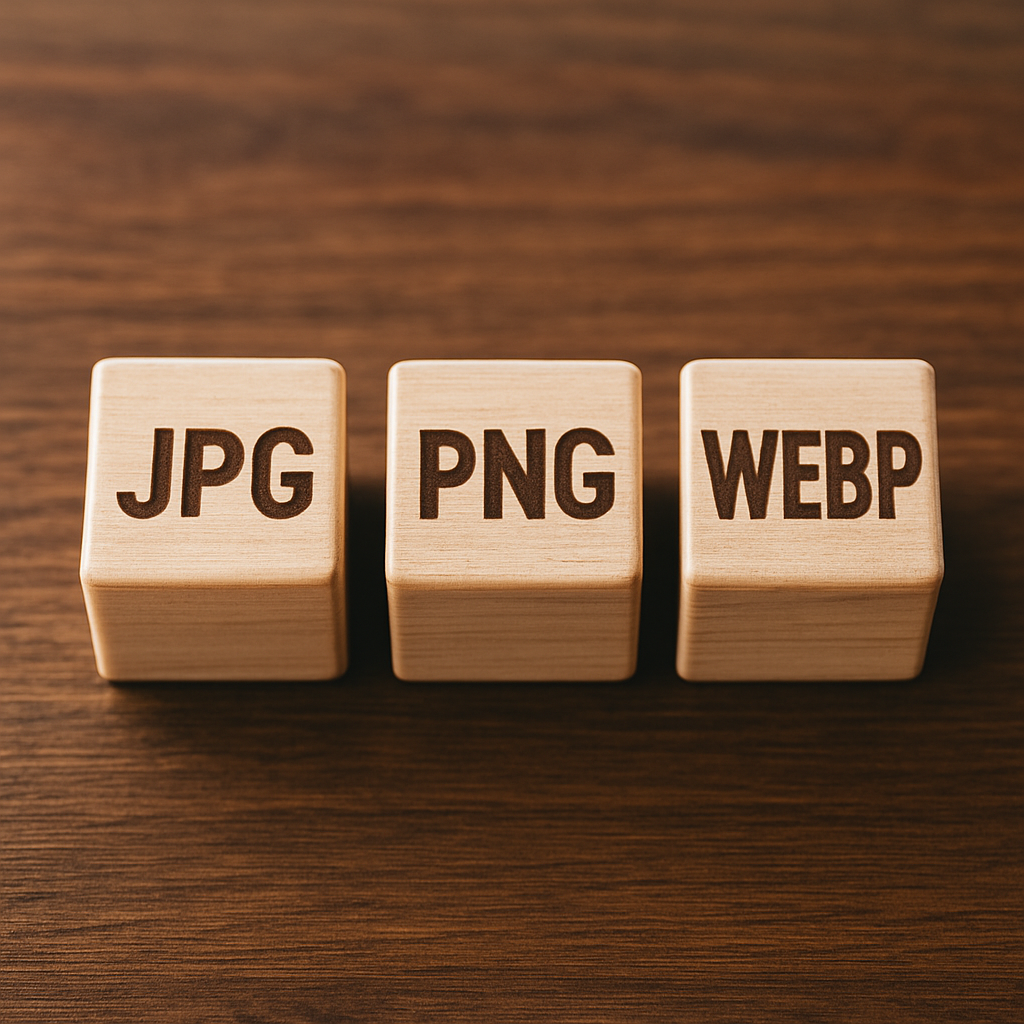
Works With All Image Types
Whether it's JPG, PNG, or WEBP, the tool handles them all with no hiccups.

Nothing to Download
Runs straight from your browser. No app installs or system requirements needed.
Why You Need Our ‘Remove Watermark’ Tool
Instantly Clean Up Images
Skip the editing tools and remove marks with one click for fast, professional-looking results.

Make Every Image Usable
Logos and stamps no longer ruin photos. Get clean visuals ready for posts, projects, or print.
No Photo Editing Skills Needed
Anyone can get sharp, watermark-free images in seconds without learning complex software or techniques.
Who Should Use Our Watermark Remover?

Content Creators
Whether you're posting on social media, building a blog, or editing a video, this tool helps you quickly remove logos, text, or stamps so your visuals stay clean and on brand without wasting time on manual edits.

Small Business Owners
Clean up product images, banners, or marketing content without hiring a designer. This tool gives you polished, watermark-free visuals in seconds, so you can focus on selling without distractions ruining your presentation.

Designers and Marketers
When deadlines are tight and visuals need cleanup fast, this tool handles watermark removal automatically. No need to open heavy design software—just upload the image and let the tool do the rest in one smooth step.

Students and Educators
Use this tool to clean lecture slides, project visuals, or research graphics. It helps you present your work clearly by removing distracting marks, making your materials easier to understand and more professional-looking with minimal effort.
What Makes Our Watermark Remover Popular?

"Listings look way more professional now."
I run an Etsy shop and had dozens of supplier photos with ugly stamps. One click per image and they were clean and ready to post.

"Perfect for quick blog visuals."
Stock photos are great, but the watermarks aren’t. This tool strips them out in seconds so I can focus on writing instead of editing.

"Slides look spotless."
Needed clean graphics for a last-minute pitch deck. The remover kept quality high and saved me from learning Photoshop at 2 a.m.

"A lifesaver for class projects."
I use it to clean diagrams and charts before adding them to presentations. Takes seconds and looks like I spent hours editing.

"Great for social media campaigns."
We needed watermark-free images for our startup’s launch ads. This tool handled dozens of files in minutes without any quality loss.

"Clean visuals keep my feed on brand."
I manage multiple client accounts and can’t afford messy images. The remover is fast, reliable, and requires zero design know-how.

How It Works
Upload Your Image
Select any image that contains a watermark, such as logos, text, or overlays. The tool supports all standard formats.
Automatic Detection
The AI scans your image right away and identifies every watermark without asking you to select or mark anything.
Click to Clean
Press one button to remove the watermark. The tool keeps your image sharp and delivers a smooth, natural result.
Download and Use
Save your cleaned image and use it wherever you need, without any leftover marks or extra editing required.
More Tools You'll Love

AI Art Generator
Just describe the image you have in mind, and this tool creates a unique, high-quality visual in seconds. It’s perfect for anyone who needs eye-catching artwork without hiring an illustrator or learning how to use design software.